Unit 1: Introduction to Mobile Application Development
Class 11- Computer Engineering Web and Mobile Application DevelopmentPosted by yanib on 2025-08-29 12:40:57 |
Share: Facebook | Twitter | Whatsapp | Linkedin Visits: 528
Understanding mobile apps, their types, history, and distribution platformsUnit 1: Introduction to Mobile Application
1.1 Introduction to Mobile Application
Definition
A mobile application (mobile app) is a type of software program designed to run on smartphones, tablets, and wearable devices. These apps are downloaded from official platforms such as Google Play Store (Android), Apple App Store (iOS), and Microsoft Store (Windows). Mobile apps are built to perform specific functions like communication, education, shopping, entertainment, or navigation.
Types of Mobile Applications
Native Applications
- Built for a specific operating system (Android or iOS).
- High performance, can access device features (camera, GPS, sensors).
- Example: WhatsApp (Android/iOS).
Web Applications
- Run inside a mobile browser, no need to install.
- Require internet connection.
- Example: Gmail (web version), Facebook (browser).
Hybrid Applications
- Combination of native and web apps.
- Installed like native apps but use web technologies (HTML, CSS, JavaScript).
- Example: Instagram, Uber.
Uses of Mobile Applications
Advantages of Mobile Applications
- Easy to use and portable.
- Provide personalized experiences.
- Some apps work offline.
- Integrate with mobile features (GPS, camera).
- Quick access to information anytime, anywhere.
Disadvantages of Mobile Applications
- Need regular updates.
- Occupy device storage.
- May cause battery drain.
- Privacy and security risks.
- Platform dependent (Android apps won't run on iOS).
1.2 History of Mobile Applications
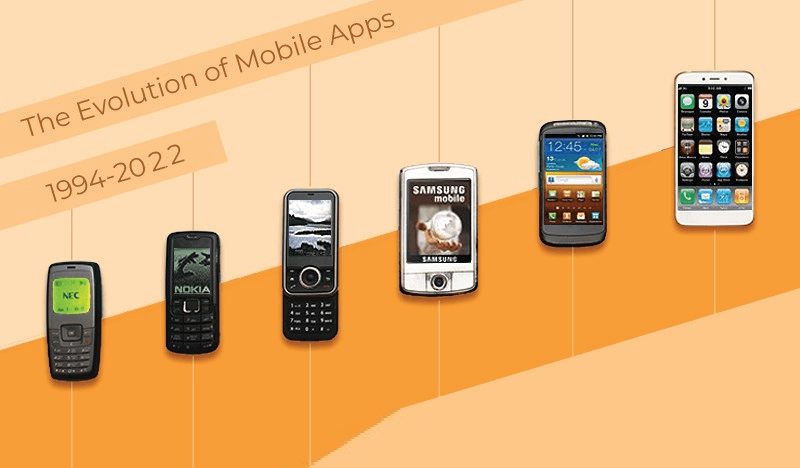
Mobile apps have evolved rapidly from simple built-in programs to AI-powered intelligent apps.
World's first smartphone. Included simple apps like calculator, calendar, notepad, contacts.
One of the first and most popular mobile games. Pre-installed on Nokia phones.
Popular for mobile email, calendar, and messaging services. Mostly used by professionals.
Changed the world of smartphones. Introduced touch interface and support for third-party apps.
Apple App Store launched with ~500 apps. Google Play Store (Android Market) launched with ~50 apps. Marked the true beginning of the mobile app era.
Facebook, Instagram, WhatsApp, and YouTube apps became globally popular. Rise of e-commerce and mobile banking.
Introduction of voice assistants (Google Assistant, Siri). Ride-hailing apps like Uber, Pathao. Food delivery apps like Foodmandu, Uber Eats.
Use of AI, AR/VR, and 5G in apps. Popular apps: TikTok, Zoom, ChatGPT, PUBG Mobile. Apps now support cloud storage, real-time collaboration, and smart integration with smart home devices.
1.3 Mobile Application Distribution Platforms
Mobile applications are distributed through digital marketplaces.
1.3.1 Google Play (Android)
- Official Android app store.
- Launched in 2008 as Android Market → later renamed Google Play.
- Offers apps, games, movies, books, and music.
- Provides security with Google Play Protect.
1.3.2 App Store (iOS)
- Official app store for Apple devices.
- Launched in 2008 with ~500 apps.
- Known for high security and strict app approval.
1.3.3 Windows Store
- Microsoft's app store for Windows Phones and later Windows 8/10 PCs.
- Offered apps, games, and digital content.
- Rebranded as Microsoft Store.
1.3.4 Google Assistant / Siri
- AI-based virtual assistants.
- Allow interaction with apps using voice commands.
- Example: "Hey Siri, open YouTube" or "OK Google, send a message."
1.4 Mobile Application vs Application Software
| Feature | Mobile Application | Application Software (Desktop Software) |
|---|---|---|
| Device | Runs on smartphones, tablets | Runs on PCs/laptops |
| Interface | Touchscreen-friendly | Keyboard & mouse based |
| Installation | From app stores (Play Store, App Store) | From CD/DVD, internet download |
| Performance | Lightweight, optimized for mobile | Heavy, resource-intensive |
| Internet Use | Mostly requires internet | Many apps can work offline |
| Examples | WhatsApp, TikTok, eSewa | MS Word, Photoshop, AutoCAD |
Summary
- Mobile applications are software designed for mobile devices.
- They can be native, web, or hybrid.
- Mobile apps are used in communication, education, banking, shopping, health, and entertainment.
- The history of mobile apps started with IBM Simon (1993), Nokia Snake (1997), App Stores (2008), and today's AI-powered apps.
- Apps are distributed via Google Play, App Store, Windows Store, and AI assistants.
- Compared to application software, mobile apps are lighter, touch-based, and platform dependent.